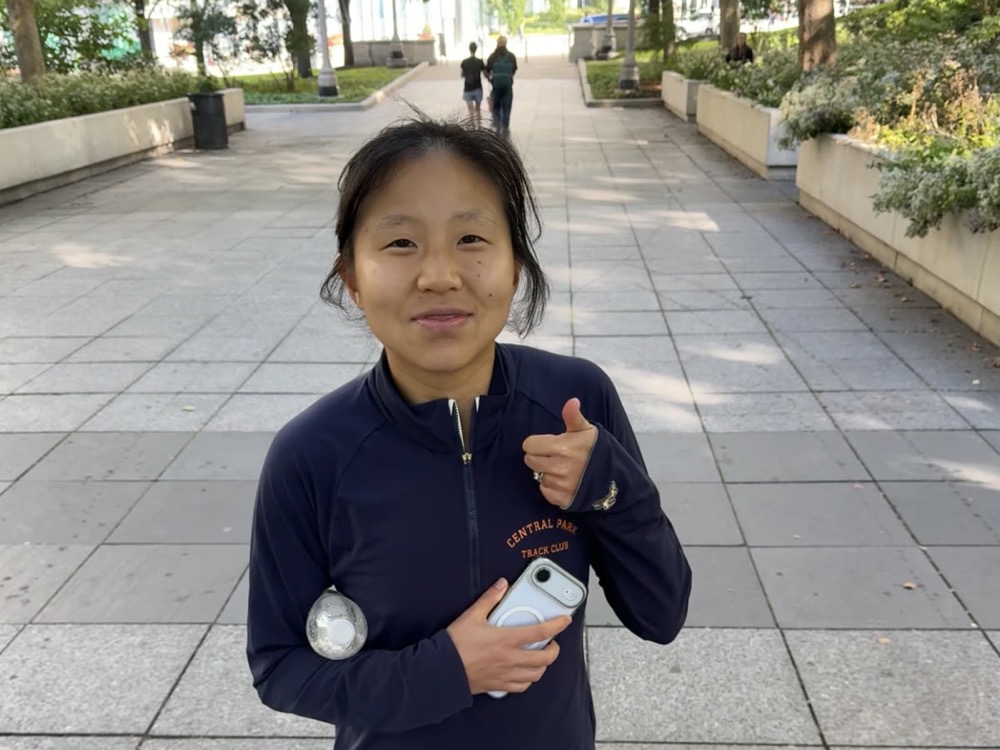
You trained through the whole winter for this. Every 5 a.m. alarm, every long run in the rain. Sunday is the victory lap.
Dad
A home for the messages, photos, and voice notes that carry you to the finish line.
Create your free cheer pageFor you, or a runner you love.
No app or account needed to leave a cheer.
FROM YOUR PEOPLE, WITH LOVE

Add the race and who it’s for. Making it for someone else? Add their email and we’ll deliver the page whenever you choose.
Send one link to your friends, family, and running crew. Everyone can leave a message, photo, or voice note.
Read, listen, and come back whenever you need a reminder of who’s rooting for you.
WHAT A BOARD LOOKS LIKE
Written notes, photos, and voice notes from everyone who’s been part of the build. A few of hers:
GOOD TO KNOW
A cheer page is a free web page for one runner and one race. Friends, family, and teammates open the link and leave written messages, photos, and voice notes that the runner can read and listen to before and after the race.
Yes. Creating a cheer page and leaving cheers on one are free, with no subscription and no limit on how many people can contribute.
No. Anyone with the link can leave a cheer from a phone or computer browser. There is nothing to install and no account to create.
Yes. Choose “Someone else” when you create the page, add their race, and either email the page to them right away, schedule the email for a date and time you pick, or share the link yourself.
Each cheer can be a written message, a photo, a voice note of up to 60 seconds, or any combination of the three.
Yes. The runner, and whoever made the page, get an email when new cheers arrive, at most one every fifteen minutes, with a link to the page. The email never contains the cheer itself, and it can be switched off in the page settings.
No. A cheer page keeps accepting cheers after race day until its owner closes, archives, or deletes it, so it also works for congratulations.
A cheer page can only be opened by someone who has its link, and cheer pages are not listed anywhere or indexed by search engines. The owner can replace the link at any time.
Toga Cheer is made by Toga Performance, the company behind Toga, the adaptive run coaching app for iPhone, founded by marathoner Maryann Gong.